How to Choose the Right CRM Software for Your Business in 2026?

Table of Contents

TLDR

What this guide covers: A step-by-step framework for choosing the right CRM software in 2026, from understanding which type you need to avoiding the mistakes that sink most implementations.

The 6 steps: Assess real needs, build a feature list, calculate total cost, check scalability, test before committing, plan implementation.

Top 10 covered: Salesforce, HubSpot, Zoho CRM, Pipedrive, Ontraport, Nimble, Membrain, Salesmate, Nutshell, Close.

Key 2026 stat: The global CRM market is valued at $126.2 billion in 2026. 91% of companies with 10+ employees already use one. 70% of implementations still fail due to adoption and alignment issues, not the software itself.

Bottom line: There is no universally best CRM. The right one is the one your team will actually use.

In today’s business landscape, strong customer relationships are what set successful companies apart. It’s no longer just about offering a good product or service; it’s about understanding your customers, staying in touch with them, and creating experiences that keep them coming back.

And that’s exactly where CRM software comes in. Customer Relationship Management tools are no longer “nice-to-have” systems reserved for large enterprises. They’ve become essential for any business that wants to grow efficiently and stay organized. A CRM gives you one clear, structured view of every customer interaction, so nothing slips through the cracks, no missed follow-ups, no lost leads, and no forgotten conversations. Instead of juggling spreadsheets, inboxes, and notes, you get a system that helps you build stronger relationships and turn them into long-term growth.

The Power of CRM Data: The Numbers Don’t Lie

Before we dive in, understand the immense leverage a good CRM provides:

Sales Productivity: On average, businesses report seeing sales productivity boost by up to 34% once they effectively implement CRM automation. This figure is confirmed by Salesforce’s State of Sales research and independently verified across multiple 2026 industry studies.

Customer Retention: Organizations that leverage CRM data to personalize customer interactions see their customer retention rates improve by up to 27%. This statistic, originally from Aberdeen Group research and consistently cited in 2026 market studies, proves the system’s effectiveness in turning basic interactions into lasting revenue.

Market Growth: The global CRM software market is enormous and growing fast. According to SellersCommerce’s 2026 analysis, the market is valued at $126.2 billion in 2026 and expected to reach $254.3 billion by 2032. The BCC Research forecast of $103.5 billion by 2027, cited in earlier versions of this guide, has been surpassed ahead of schedule due to accelerated AI-driven CRM adoption. This scale shows the direction all successful businesses are moving.

If you’re just getting started, the sheer number of options can feel absolutely overwhelming. It’s a vast market! You’ll see everything from simple, accessible CRM Software for small businesses (tools designed for speed and low cost, like HubSpot CRM or Zoho CRM) to massive, highly customized enterprise platforms (like Salesforce Sales Cloud or Microsoft Dynamics 365).

The question is: How do you cut through the noise, avoid overspending on features you don’t need, and find the specific system that will truly help you grow?

This guide will walk you through the entire process, making the task of finding your best CRM Software feel less like a chore and more like a calculated, strategic investment in your future predictability.

What Exactly is CRM, and Why Should I Care?

At its core, CRM Software is the central nervous system of your business for all customer interactions.  It’s the one reliable, single place where you manage, track, and analyze every single touchpoint, conversation, and relationship with both current and potential customers. Think of it as owning the ultimate source of truth about the people who keep your lights on.

What is a CRM, really?

A CRM system acts as your company’s collective memory. It works by capturing every single interaction a customer has with your brand, starting from that very first website click or cold call, through every purchase they make, all the way to their most recent support ticket. It then takes all those scattered details and organizes them into one neat, actionable profile.

This unified view is incredibly powerful because it ensures that, whether a customer is talking to a sales rep or a support agent, your team always knows exactly who they are and what they’ve experienced. This eliminates the need for customers to repeat themselves and creates the kind of consistent, personal experience that people actually expect from a professional business today.

Why Does Picking the Right One Matter so Much?

A good platform can radically sharpen your operations and deliver huge wins that directly impact revenue:

  • Sales Gets Smoother: Sales Reps stop wasting time on tedious and monotonous tasks that kill momentum and slow down the overall process. The system handles automation (like automatic lead routing), shows a clear visual sales pipeline, and flags crucial follow-ups.
  • Customer Relationships Deepen: When you have all the history, you can personalize communication and be proactive with support. This translates directly into happier and more loyal customers.
  • Marketing Gets Smarter: You can segment your audience precisely based on behavior and intent for highly targeted campaigns and accurately figure out what marketing efforts are truly bringing in revenue (attribution). If you want to see how CRM data powers a full email marketing strategy, we have covered it in detail. 
  • Decisions Become Data-Driven: No more guessing games. You get powerful reports and analytics on how sales are performing and what customer trends are emerging. This leads to reliable forecasting.

The wrong choice, however, can be an expensive, frustrating headache that your team refuses to use, leaving you with a costly, empty database. Success starts with a clear, strategic plan for selection.

The Types of CRM

The term CRM Software covers a few distinct approaches, each built with a specific strategic purpose. Understanding them is the first step in knowing what kind of tool you actually need.

Operational CRM: The Efficiency Engine

This is your daily workhorse, focused on speed and consistency. It automates and streamlines customer-facing tasks; think sales process automation, marketing campaigns, and ticketing systems. Its primary goal is to make every day faster and more predictable.

Analytical CRM: The Intelligence Center

This type of CRM is all about the data, acting like a business intelligence tool. It takes all the customer data you’ve gathered and looks for patterns, trends, and segments. It helps leadership decide who to market to and why customers are leaving.

Collaborative CRM: The Connector

This system is the essential glue connecting your departments. It’s designed to improve communication and information sharing between teams, ensuring sales, marketing, and support are always aligned with the customer’s history. It ensures every customer interaction feels seamless.

Strategic CRM: The Customer Compass

This approach shifts the entire company culture to be “customer-centric” rather than product-focused. It uses deep data insights to build long-term loyalty and ensures that every business decision is aligned with delivering superior value to the most profitable customer segments.

Vertical CRM: The Specialist

Built for specific industries like healthcare, real estate, or finance, this system comes pre-configured with the niche workflows and compliance tools those businesses need. It’s designed for businesses that need deep, specialized functionality without the cost of heavy customization.

Mobile CRM: The Field Command

This is the CRM for the modern, untethered workforce, optimized entirely for smartphones and tablets. It empowers sales and service teams to update leads, access contracts, and log meetings in real-time while they are on the move.

Social CRM: The Engagement Hub

This system merges traditional CRM data with social media interactions to meet customers where they already live; on platforms like LinkedIn, X, and Instagram. It focuses on social listening and two-way conversations, allowing brands to respond to public feedback and build communities in real-time.

Step-by-Step: Finding Your Perfect Match

Choosing your Best CRM Software isn’t about picking the most famous name on the Top 10 CRM Software list; it’s about a disciplined, strategic self-assessment tied directly to your business processes.

Step 1: What Are Your Real Needs? (The Problem)

Before you even glance at a product demo, figure out the exact business problem you’re trying to solve.

  • Define Your Goal: What’s the biggest headache? Is it that leads vanish into a spreadsheet abyss? Do you have terrible customer retention? Be specific: sales growth, better retention, or eliminating repetitive administrative work?
  • Involve Your Team: The people who will use this system every day sales reps, marketers, support agents are the true experts. Ask them: What features would genuinely save you the most time?

Step 2: Make Your Feature Wish List (The Non-Negotiables)

Based on your needs, create a checklist of essential functions. Focus on the core needs that drive revenue:

  • Core Functions: You need rock-solid contact, lead, and account management, and the ability to see a complete history of every interaction with every person. This includes features like lead scoring.
  • Sales Visibility: A clear, visual sales pipeline is critical. Sales reps must be able to manage deals easily and see their next action instantly.
  • Reporting: Can you quickly build dashboards to track key metrics like conversion rates, average deal size, and the length of your sales cycle? This is where you measure ROI.
  • Automation: Can the CRM handle the grunt work? Think about auto-assigning leads, sending follow-up reminders, or triggering a marketing email once a specific action is taken.
  • Usability: This is key. If the interface is clunky and confusing, your team simply won’t use it. Mobile CRM access is also non-negotiable for anyone who works outside the office.
  • Integration: Will it play nicely with your current business tools? Does it connect with your email client (Gmail, Outlook), your marketing automation tools, or your accounting software? A seamless connection is vital; otherwise, you create data silos. CRM-powered email personalization is one of the highest-ROI outcomes of that integration.” 

Step 3: Tallying the Cost and Scale (The Investment)

CRM pricing can be tricky. You need to look at the full picture: the Total Cost of Ownership.

  • Beyond the Monthly Fee: Most Popular CRM Software options charge per user, per month. But factor in the hidden costs: setup fees, specialized training, premium customer support, and extra charges for advanced features.
  • Free Options: Many reputable vendors on any CRM Software list offer free trials or effective “free-forever” plans. These are fantastic for small businesses to test the water without commitment.
  • Future-Proofing: Don’t just budget for today. Choose a CRM that can scale as you grow. Will adding more users or needing more complex features in a few years cause the price to skyrocket or force you to migrate to a new system? Always choose a system built for the size you want to be.

Pricing context for 2026: The average CRM spend per employee is projected at $28.60 in 2026 per SellersCommerce. Most small business teams can start with a free or low-cost plan. Enterprise pricing varies significantly; Salesforce starts at $25 per user per month, but total cost of ownership typically multiplies that figure when setup, training, and support are factored in. Always verify current pricing directly on each vendor’s website before committing.

Step 4: Flexibility and Future Growth (The Adaptability)

You need a CRM that bends to your successful business processes, not the other way around.

  • Customization: Can you adjust workflows, add unique data fields, and tailor reports to reflect your company’s specific way of doing business? Look for this flexibility to ensure long-term adoption.
  • Compatibility: Check those integrations again. If it can’t communicate with your current essential tools, you’re setting yourself up for tedious manual data entry.
  • Scalability: Your CRM needs to be able to handle growth in users and data without falling apart.

Step 5: Implementation, Training, and Support (The Execution)

Even the Best CRM Software can be useless if no one knows how to drive it.

  • Getting Started: Does the vendor offer help with setup and data migration? This initial phase is crucial for success.
  • Learning Curve: How easy is it for a new employee to pick up? Look for vendors with excellent, accessible training materials, tutorials, webinars, and free demos. Ongoing training is essential, not optional.
  • Support Quality: When something breaks, how do you get help? Evaluate the quality, availability, and channels (phone, chat, email) of their customer support.

Step 6: Verify the Value (Hands-On Validation)

A CRM often looks perfect in a demo because the person showing it knows exactly which buttons to click to avoid the “clunky” parts. You need to verify that it works for your team in their actual environment.

  • Shortlist: Narrow the field to 3 to 5 strong candidates. The best candidate is often the one that speaks your language.
  • Personalized Demos: Ask the sales team to show you how the CRM solves your specific problems, not just generic features.
  • Free Trials: Bring in your key users and give them real, hands-on tasks to complete. Test the core workflows: creating a lead, logging a call, closing a deal.
  • Read the Reviews: Look for honest feedback from real users, ideally in your industry or with a similar team size.

A Quick Look at Popular CRM Software Options

While fit is always paramount, it helps to know the landscape. Here are a few examples of Popular CRM Software and their typical strengths:

  1. Salesforce Sales Cloud

The global market leader built for massive scalability and deep customization. It centralizes customer data into a “Single Source of Truth” and leverages Einstein AI for predictive insights. It is best suited for enterprises requiring complex workflow automation and extensive third-party integrations. Salesforce holds approximately 21% of the global CRM market share as of 2026.
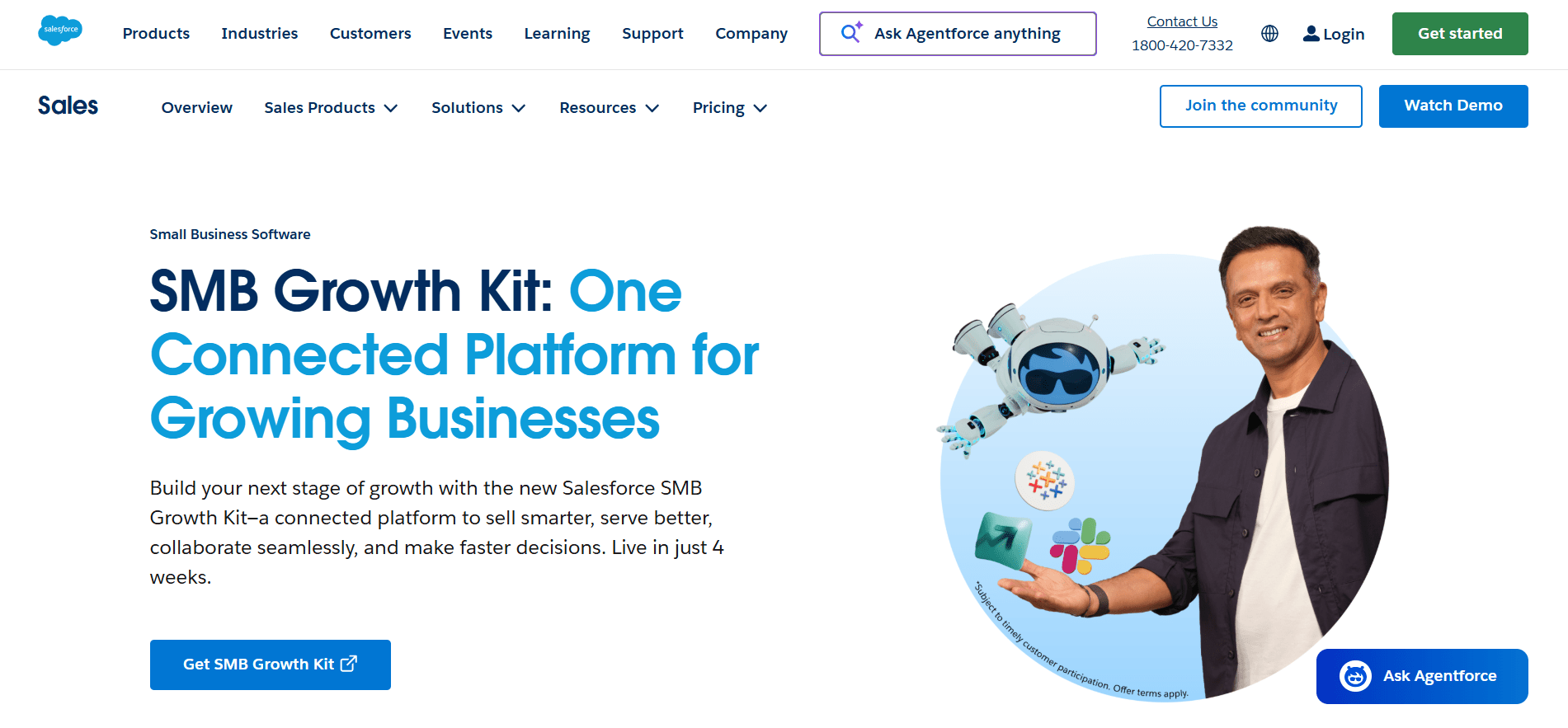
Salesforce Dashboard

  1. HubSpot

A user-friendly platform famous for its “freemium” model and seamless integration of sales, marketing, and service. It features a visual deal pipeline and automated email tracking designed for inbound marketing strategies. It is ideal for growing companies looking for an all-in-one solution with a gentle learning curve. HubSpot holds 62% of SMB CRM installations.
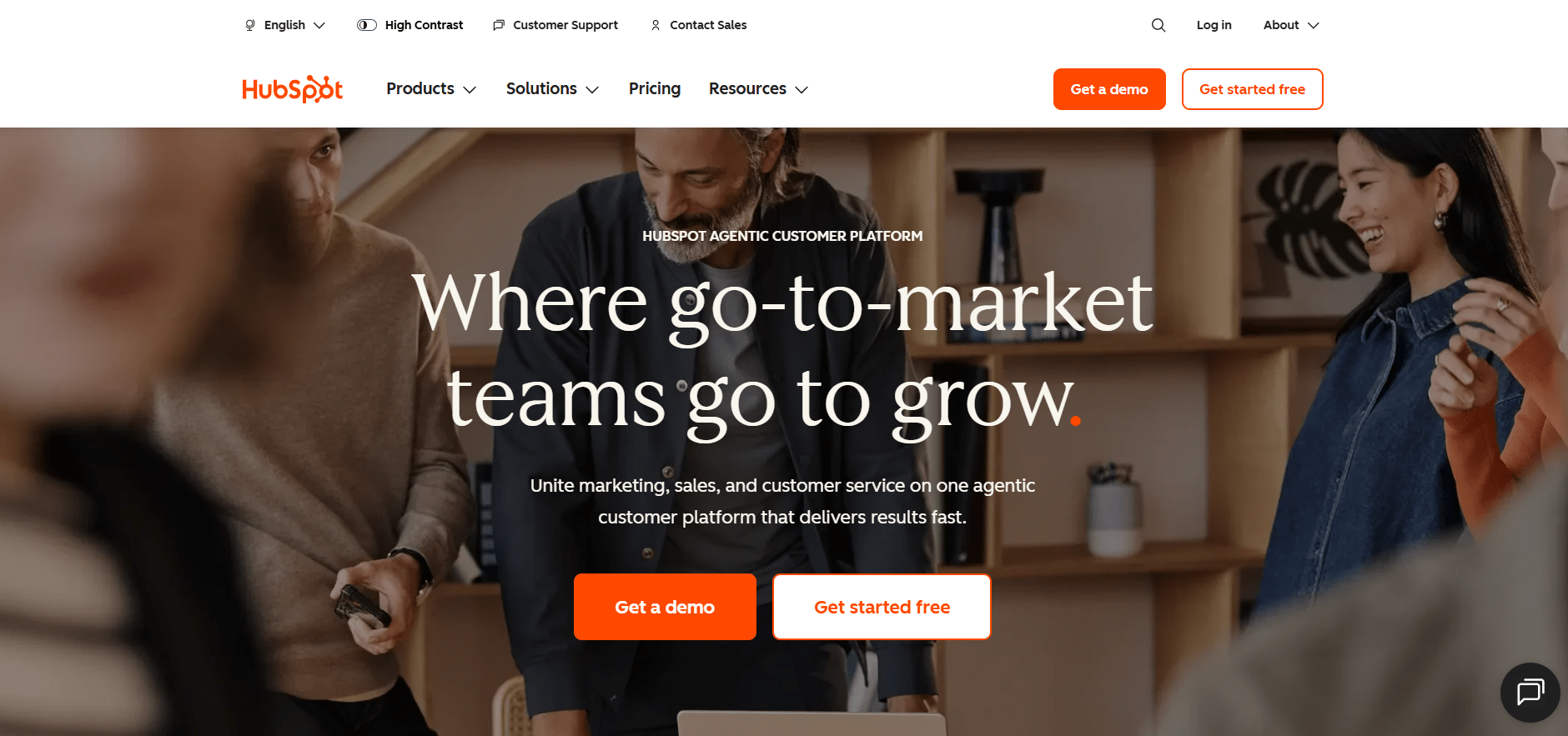
HubSpot Dashboard

  1. Zoho CRM

A versatile, cost-effective solution that scales from startups to large enterprises. It stands out for its AI assistant, “Zia,” and its ability to manage omnichannel communication across email, social, and phone. It is particularly powerful for businesses already utilizing the broader Zoho productivity suite.
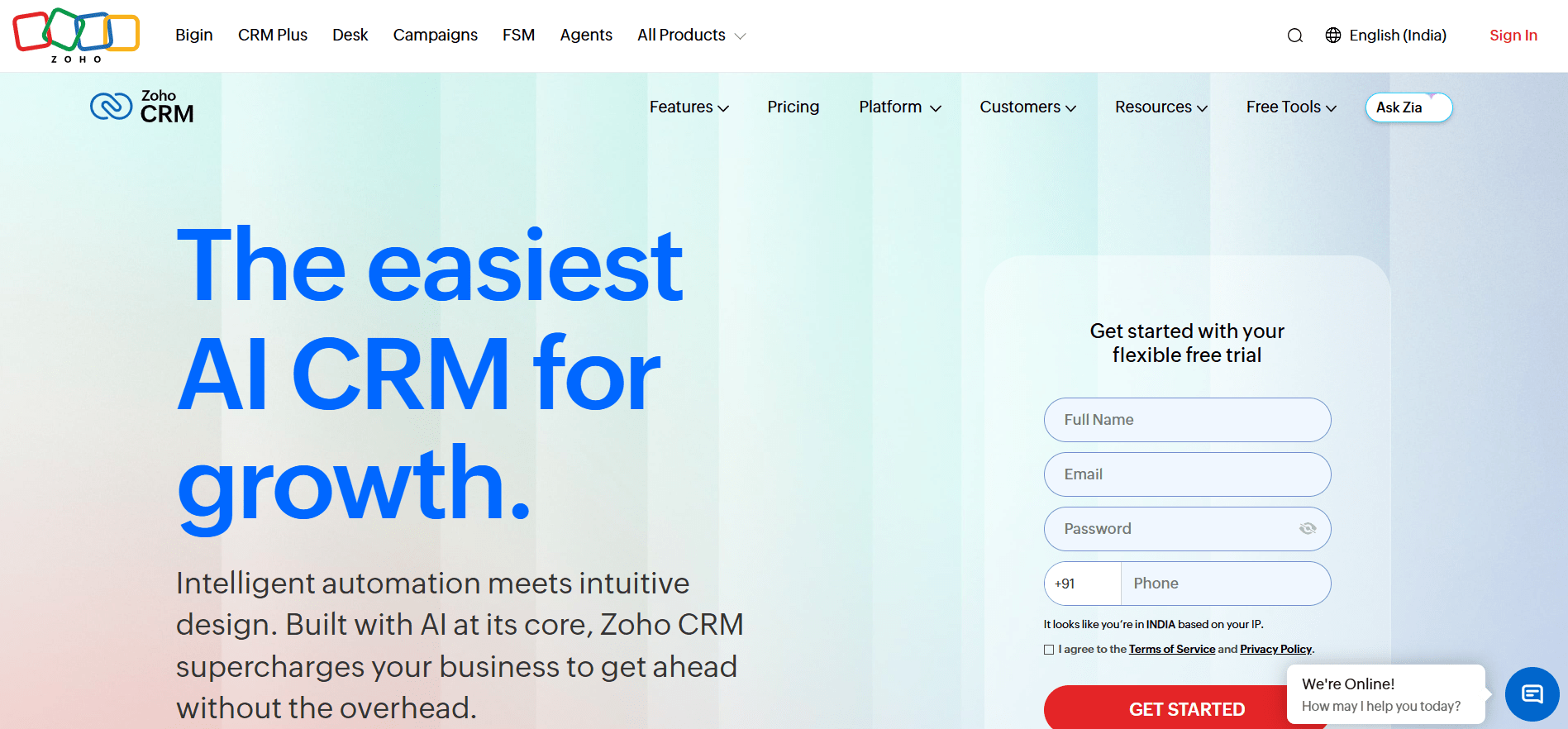
Zoho CRM Dashboard

  1. Pipedrive

A sales-focused CRM designed around a visual Kanban pipeline to prioritize daily activities. Its philosophy centers on “activity-based selling,” ensuring reps always know the next step required to advance a deal. It is a favorite for small teams needing a streamlined, no-frills tool to manage their sales flow.
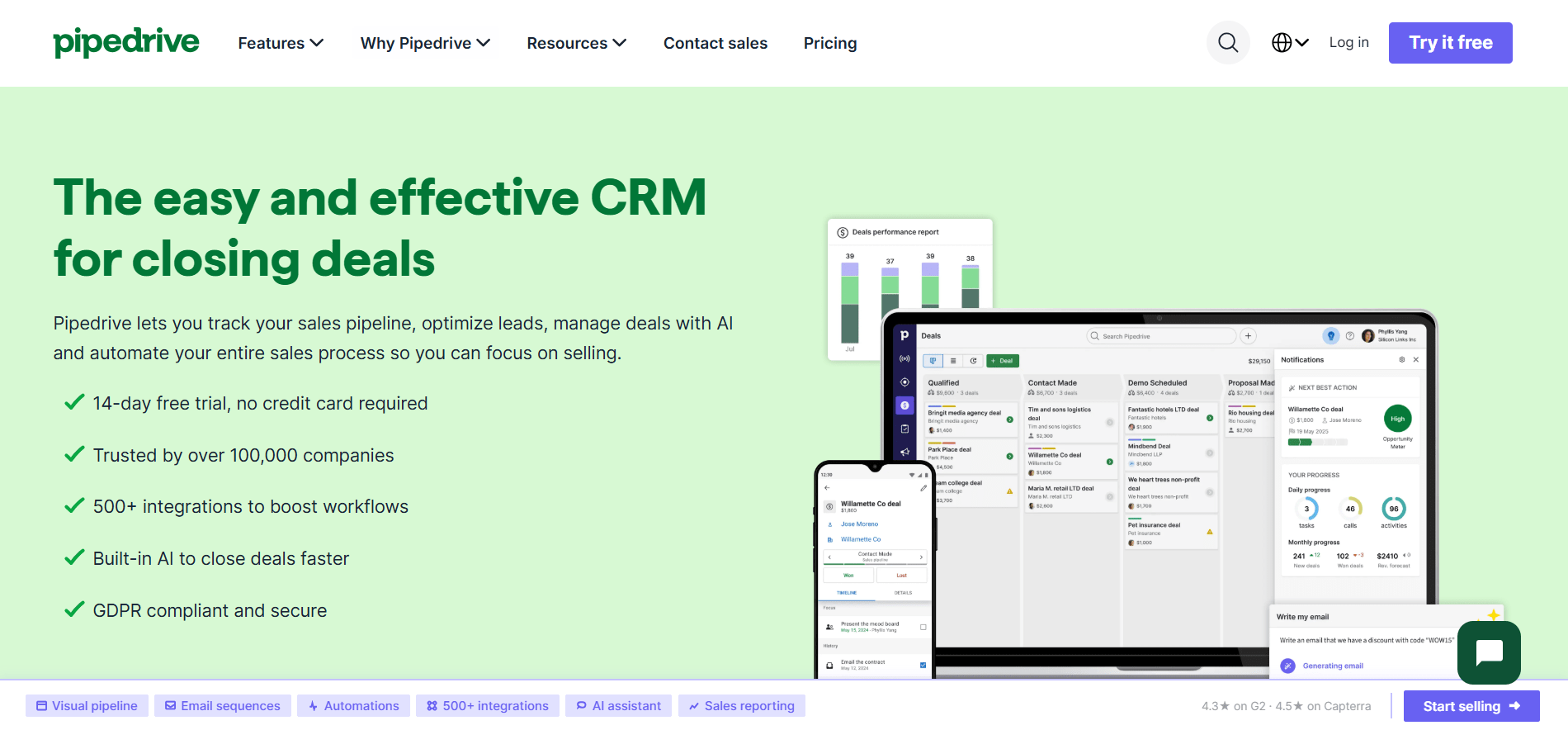
Pipedrive Dashboard

  1. Ontraport

An all-in-one automation platform that merges CRM features with e-commerce and membership site management. It allows users to build complex, multi-channel customer journeys using a visual campaign builder without writing code. It is perfect for entrepreneurs who want to unify their sales and marketing into one engine.
image8

  1. Nimble

A “Social CRM” that automatically enriches contact profiles with social media data and interaction history. It offers a browser extension that brings CRM insights directly into your email inbox or social media pages. It is best for consultants and small teams who rely on social networking to build prospect relationships.
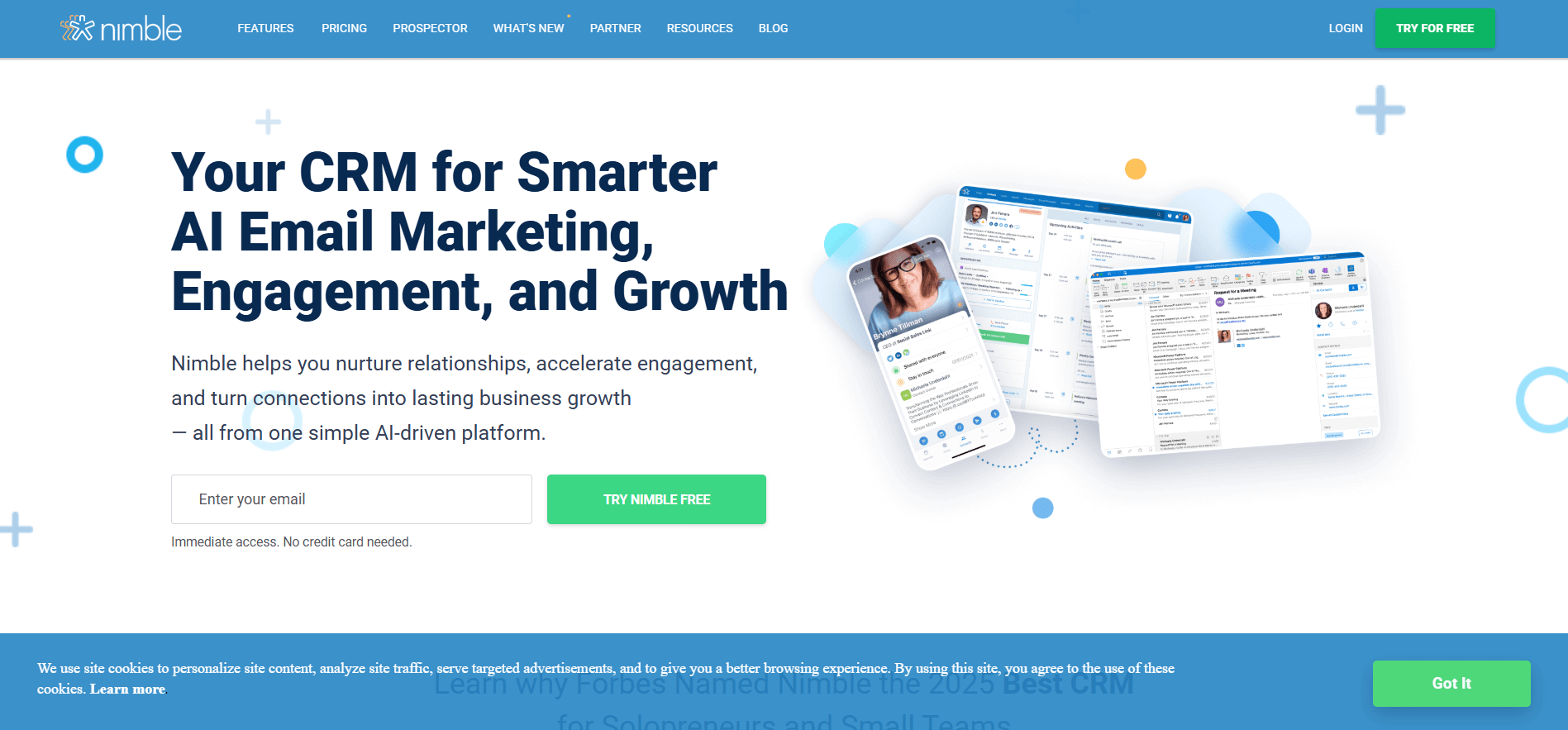
Nimble Website Dashboard

  1. Membrain

A specialized “Sales Effectiveness” platform built for complex, multi-stakeholder B2B sales cycles. Instead of just storing data, it embeds specific sales methodologies and coaching milestones directly into the workflow. It is the go-to tool for organizations prioritizing process discipline and high-level execution.
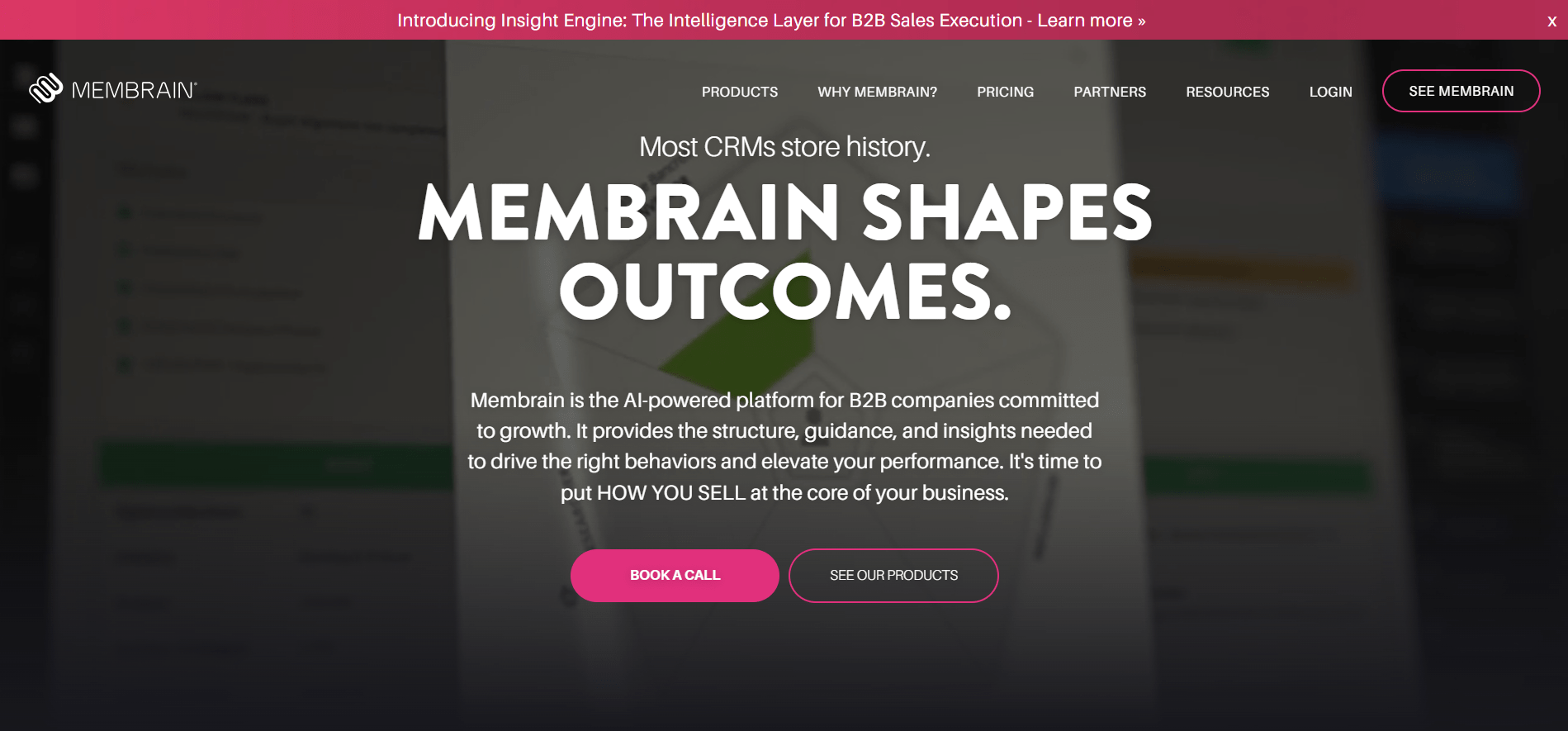
Membrain Website Dashboard

  1. Salesmate

A productivity-first CRM that helps small-to-mid-sized teams scale their outreach with built-in power dialers and email sequences. The “Smart Queue” feature allows reps to batch tasks like calls and follow-ups for maximum efficiency. It offers high-end automation features at a more accessible price point.
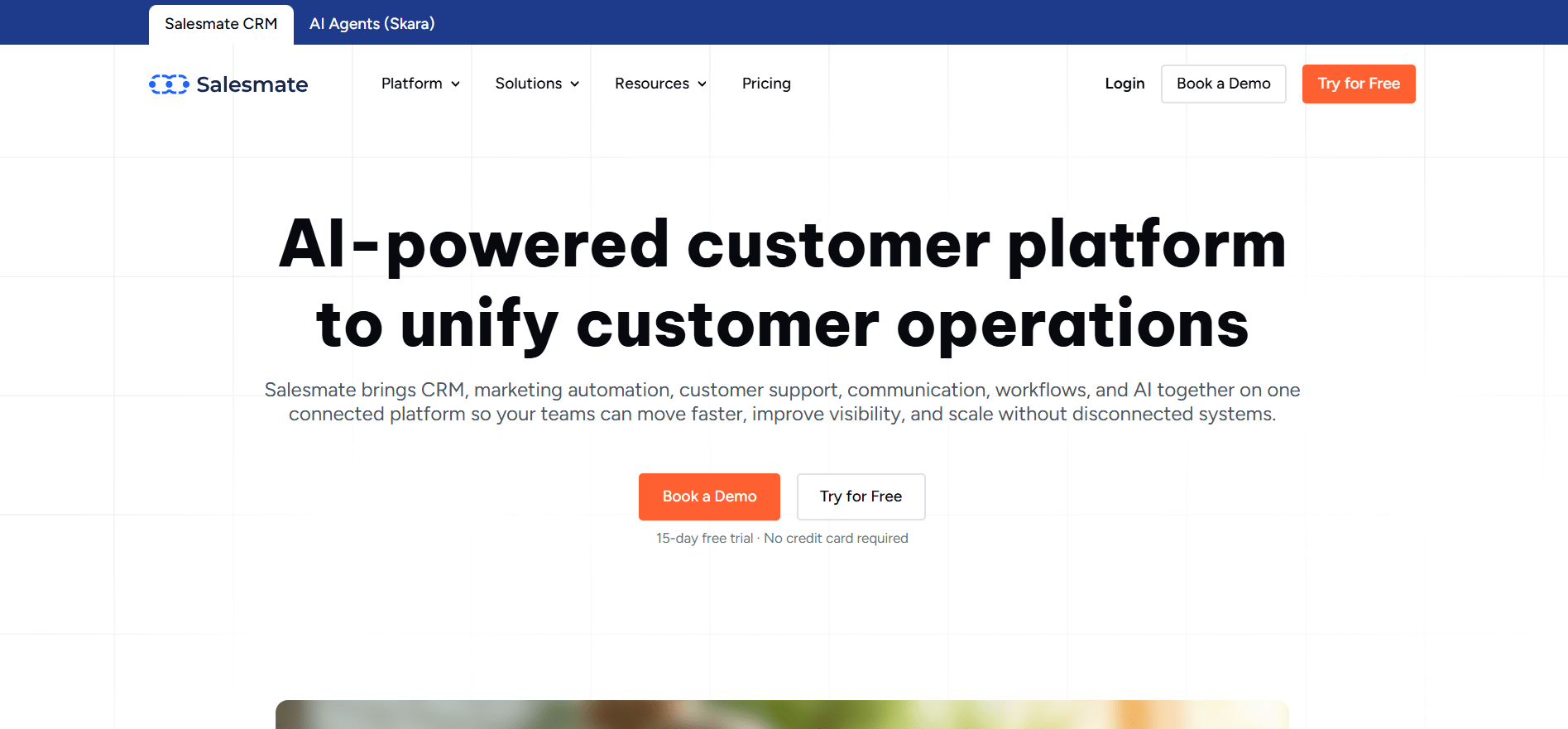
Salesmate Website Dashboard

  1. Nutshell

An easy-to-use B2B CRM known for its world-class customer support and rapid setup time. It balances simple lead management with sophisticated automation, such as automatic lead distribution and task reminders. It is an excellent choice for small businesses that need a collaborative tool without a dedicated administrator.
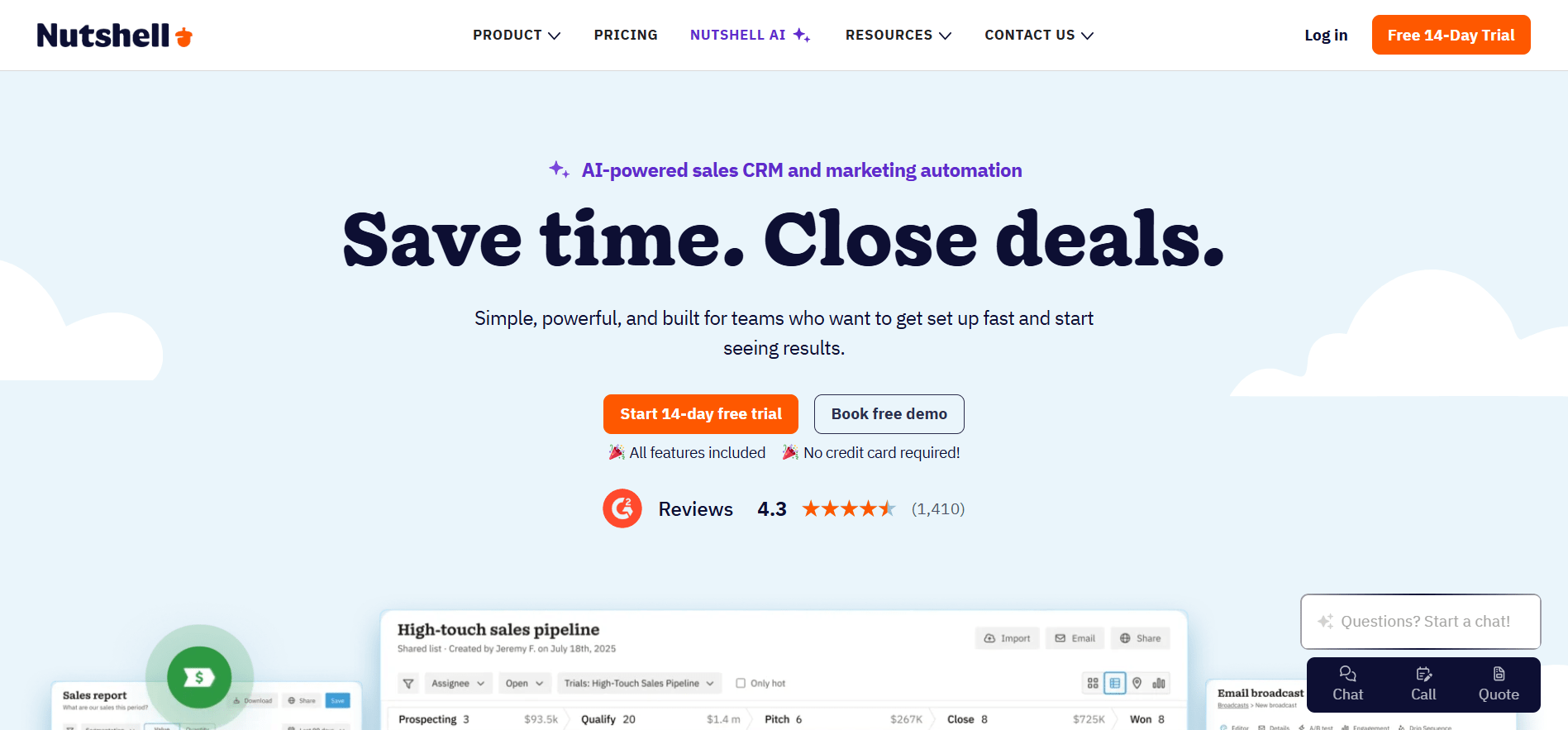
Nutshell Website Dashboard

  1. Close

A communication-centric CRM designed for high-volume sales teams that live on the phone. It features native calling, SMS, and email sequences built directly into the app to eliminate the need for external tools. It is a top pick for proactive “closers” who require speed and integrated outreach tools.
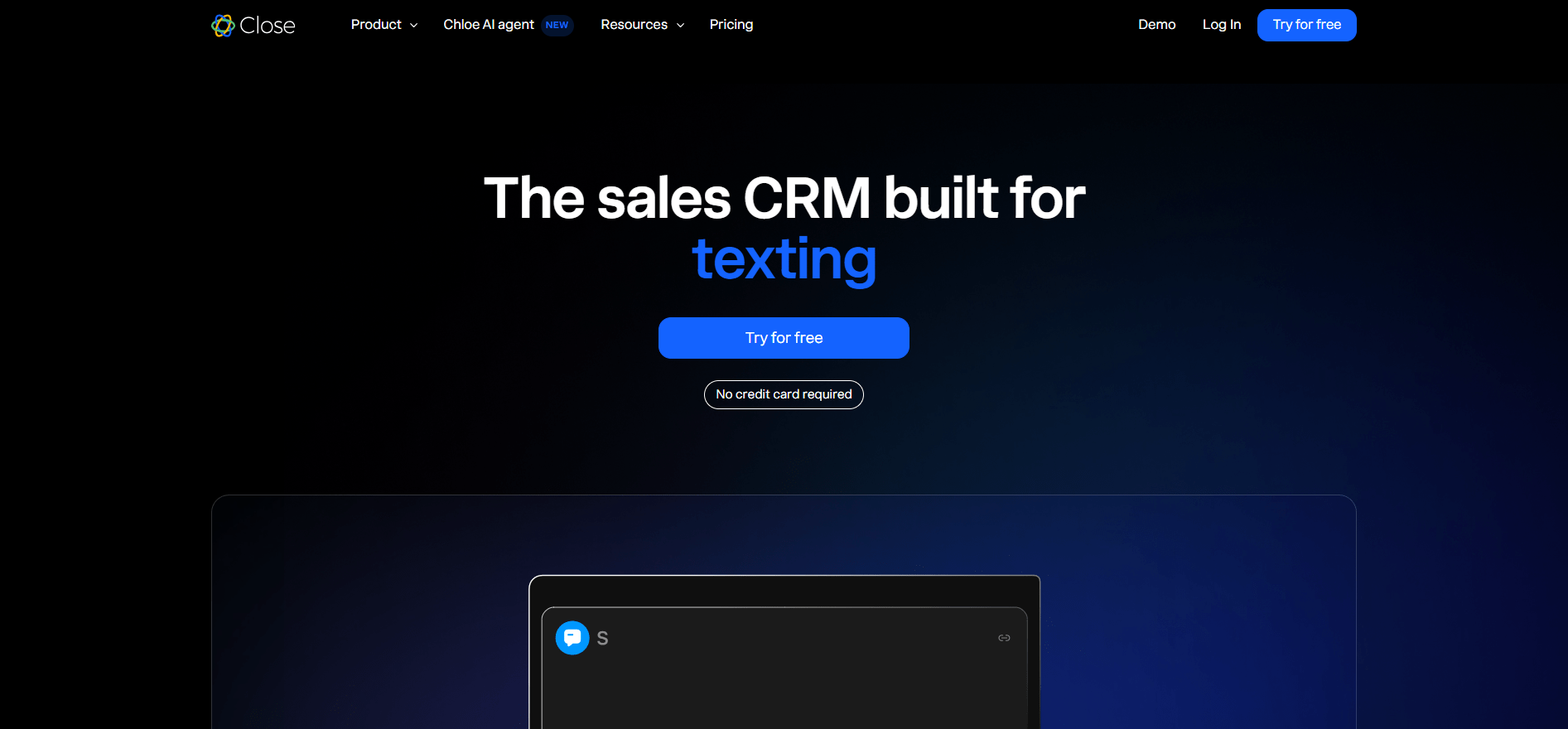

Close Website Dashboard

CRM Software Comparison at a Glance

Pricing note: All prices shown are estimated starting points as of 2026 and subject to change. Verify current pricing directly on each vendor’s website before making a purchasing decision. Enterprise pricing varies significantly based on team size, features, and contract terms.

    CRM ToolCore Selling PointPrimary TargetEst. Start Price
    Salesforce Sales CloudDeep customization & Einstein AIEnterprises$25/user
    HubSpotAll-in-one with free versionSMBsFree / $15/seat
    Zoho CRMAffordable integrated suiteStartups to mid-size$14/user
    PipedriveVisual activity-based pipelineSmall sales teams$14/user
    OntraportMarketing & business automationEntrepreneurs$24/user
    NimbleSocial data-enriched contactsConsultants$25/user
    MembrainProcess-driven B2B salesB2B orgs$49/user
    SalesmateBuilt-in calling & automationSMBs$23/user
    NutshellUser-friendly B2B + great supportSmall B2B$13/user
    CloseNative calling & SMSInside sales$35/user

    The Pitfalls and Final Word on Adoption

    Before jumping in, it’s important to be aware of a few common mistakes that can hold teams back when adopting a new system.

    Don’t get distracted by big brand names. The most popular tool isn’t always the best fit. In many cases, a simpler and more focused solution can deliver far better results for a small business than a massive enterprise platform you end up using only a fraction of.

    Don’t cut corners on training. Successful adoption depends heavily on how comfortable your team is with the system. Instead of treating training as a one-time setup task, plan for ongoing learning and support. The better your team understands the tool, the higher your return on investment will be.

    Don’t overlook data preparation. Migrating messy data leads to messy results. If your contact lists are full of duplicates or outdated information, it will be hard to trust the new system. Take time to clean and organize your data before migration; strong data quality sets the foundation for long-term success.

    Don’t fail to enforce usage. If managers aren’t actively using the system for updates and reporting, the rest of the team won’t either. Adoption has to be supported from the top down. When leadership embraces the system, it naturally becomes part of the company culture.

    Not defining success upfront. Many teams jump into a new system without clearly deciding what “success” looks like. Without specific goals such as improved follow-ups, shorter sales cycles, or better reporting, it’s hard to measure ROI or know whether the system is actually working.

    Trying to do everything at once. Rolling out every feature on day one can overwhelm users. This often leads to frustration and low adoption. It’s far more effective to start with core workflows, then gradually introduce advanced features once the team is comfortable.

    The failure rate in context: Research consistently shows that roughly 70% of CRM projects fail to meet their goals. The primary causes are not the software; they are cross-functional misalignment, poor data quality at migration, and low user adoption. Every pitfall listed above directly contributes to that 70% figure. The checklist above is specifically designed to avoid these failure points.

      From Selection to ROI: Turning the Tool Into Results

      Once you’ve chosen the right tool, the real work begins. The next step is turning that software into something that actually drives revenue, not just another system your team logs into occasionally.

      Start with clean data. Before migrating anything, take time to review and clean your existing customer information. Duplicate or outdated records can quickly undermine trust in the new system. Putting basic data governance rules in place from day one helps keep everything accurate and reliable.

      Get buy-in early from the team. Adoption is much easier when people feel involved. Bring in key users early, show them how the tool makes their work easier, and address concerns upfront. When the team understands the “why,” usage becomes far more natural.

      Train continuously, not just once. The first training session is only the beginning. As your business evolves and new features are introduced, ongoing support and refreshers help ensure the system is used correctly and consistently.

      Integrate it with the tools you already use. A system works best when it fits into existing workflows. Connecting it with email, calendars, marketing platforms, and support tools reduces manual work and improves data quality.

      Set clear usage standards. Be specific about expectations. Define what should be logged, when updates are required, and how reporting is handled. Clear guidelines prevent messy data and ensure everyone uses the system in a consistent way.

      Measure progress early and often. Set up reporting right away to track the KPIs that matter most. Are sales cycles getting shorter? Are follow-ups improving? Is customer retention increasing? These insights help prove ROI and guide smarter decisions.

      Stay flexible as your business grows. Your workflows will change over time, and the system should change with them. Schedule regular check-ins to review processes and adjust automations so they continue to support how your team actually works.

      The Final Word: The Best CRM is the One That Works for YOU

      There is no magical, universally Best CRM Software. Choosing the right CRM isn’t about picking the most famous brand name; it’s about finding a tool that actually fits the way your business works. There is no single “best” software because the right choice depends on your budget, your daily tasks, and whether or not your team will actually use it.

      A CRM should make life easier for your sales and support staff, not become a frustrating digital chore that slows them down. To get this right, look for a system that is simple enough for a new hire to understand quickly, and that connects easily with the tools you already use, like your email and accounting software. When you find a system that your team enjoys using and that turns your customer notes into a clear plan for growth, you’ve found the right one for your business.

      Frequently Asked Questions

      1. What is the best CRM software for small businesses?

      For small businesses, HubSpot CRM offers the strongest free entry point and holds 62% of SMB CRM installations globally. Zoho CRM and Nutshell are strong budget-friendly alternatives. The best CRM for a small business is ultimately the one with the lowest friction to adoption if your team will not use it, the feature set does not matter.

      CRM software ranges from free, including HubSpot's free tier and Zoho's free plan for up to three users, to $65 or more per user per month for specialized platforms. The average CRM spend per employee is projected at $28.60 in 2026 per SellersCommerce. Always calculate the total cost of ownership not just the monthly subscription, including setup fees, training, support, and integration costs.

      The seven main types are: Operational CRM (automates daily customer-facing tasks), Analytical CRM (mines data for patterns and insights), Collaborative CRM (aligns departments around shared customer data), Strategic CRM (shifts company culture to be customer-centric), Vertical CRM (built for specific industries), Mobile CRM (optimized for field teams), and Social CRM (integrates social media interactions). Most modern platforms combine operational and analytical features as a baseline.

      Research consistently shows roughly 70% of CRM projects fail to meet their goals. The primary reasons are not the software itself; they are cross-functional misalignment between sales and marketing, poor data quality at migration, low user adoption, and lack of leadership commitment. Defining success upfront, cleaning data before migration, training continuously, and enforcing usage from leadership down are the most critical factors in avoiding failure.

      The non-negotiables are contact and lead management, a visual sales pipeline, reporting and analytics dashboards, task automation, email integration, and mobile access. Secondary priorities include customizable workflows, integration with existing tools like your email client and accounting software, scalability for growth, and quality of vendor support. Industry-specific features matter if your sector has compliance or workflow requirements.

      Yes. HubSpot CRM's free tier is widely regarded as the strongest free CRM option available and is used by millions of small businesses globally. Zoho CRM also has a free plan supporting up to three users. Both are genuine products with contact management, deal tracking, and basic reporting not just trial periods. Most growing businesses eventually need paid tiers for automation, advanced analytics, and deeper integrations.

      Need Help Choosing the Right CRM for Your Business?

      c3digitus helps B2B and industrial companies build the right digital infrastructure, including CRM strategy, implementation support, and content that attracts the right customers.

      c3digitus.com